Grok and Grok Bot sound like one product, but they’re two different apps. Grok is a chat assistant on grok.com and the Grok mobile apps. Grok Bot is a separate app that runs Bots on a persistent cloud computer, with jobs, approvals and routines. This guide shows what each one does, which plans include Grok Bot, and which one a small business should start with.
Bot Agents 24 is an independent guide and isn’t affiliated with xAI. We compared public documentation and pricing pages. We didn’t run a hands-on test for this page.
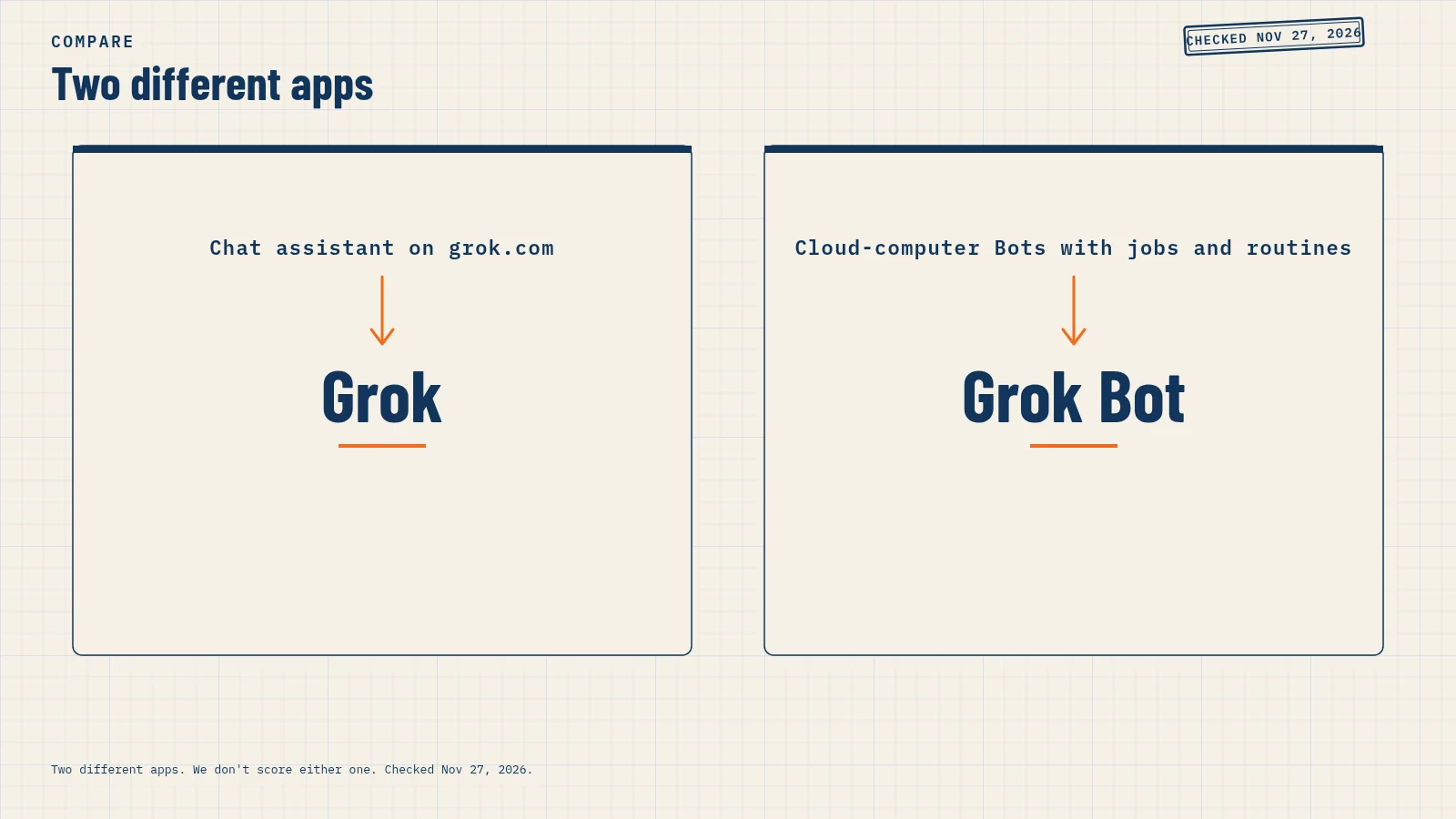
The short version
We don’t score either one, and there’s no winner. They do different jobs, and you can use both.
Side-by-side table
Checked Nov 27, 2026. “Not documented” means we didn’t find it in the sources we checked.
| Grok (chat app) | Grok Bot | |
|---|---|---|
| Is it the same app? | No. Two different apps | No. Two different apps |
| Maker | SpaceXSI | SpaceXSI; Grok Bot signs in with your Cursor account |
| Built for | Chat, images and video, voice, file uploads and in-chat connectors | Bots that complete work on a persistent cloud computer, with approvals, connectors and routines |
| Where you use it | grok.com and the Grok iOS and Android apps; also Grok in X | Grok Bot desktop app (macOS, Windows, Linux) and iPhone and Android companion apps; also X Chat, @bot on X and a Team Bot in Slack |
| Download or open | grok.com and the Grok mobile apps | x.ai/bot and the Grok Bot mobile apps |
| Sign-in | Grok account | Cursor account; optional SuperGrok or X Premium+ link, or Sign in with Grok for a business seat |
| Keeps working when the laptop is closed | Not documented in the sources we checked | Yes. Closing the app doesn’t stop a background turn or a routine |
| Recurring work | Not documented as Grok Bot-style routines | Routines on a schedule or when something happens |
| Approvals | Not documented as Grok Bot-style approval cards | Approval cards and Ask first rules |
| Connectors | Yes: email, files and calendar inside a chat | Connected apps, plus the Bot’s own browser and cloud computer |
| Plans that include it | Free to start; paid plans raise your limits | Premium, Super and Ultra on The X Subscription; not Free or Plus |
| Usage meter | Grok app limits, including a Weekly SuperGrok Limit, aren’t the Grok Bot meter | Settings → Usage & billing in Grok Bot; on The X Subscription it shares the weekly pool with Grok and Cursor |
Is it the same app?
- Grok:
- No. Two different apps
- Grok Bot:
- No. Two different apps
Maker
- Grok:
- SpaceXSI
- Grok Bot:
- SpaceXSI; Grok Bot signs in with your Cursor account
Built for
- Grok:
- Chat, images and video, voice, file uploads and in-chat connectors
- Grok Bot:
- Bots that complete work on a persistent cloud computer, with approvals, connectors and routines
Where you use it
- Grok:
- grok.com and the Grok iOS and Android apps; also Grok in X
- Grok Bot:
- Grok Bot desktop app (macOS, Windows, Linux) and iPhone and Android companion apps; also X Chat, @bot on X and a Team Bot in Slack
Download or open
- Grok:
- grok.com and the Grok mobile apps
- Grok Bot:
- x.ai/bot and the Grok Bot mobile apps
Sign-in
- Grok:
- Grok account
- Grok Bot:
- Cursor account; optional SuperGrok or X Premium+ link, or Sign in with Grok for a business seat
Keeps working when the laptop is closed
- Grok:
- Not documented in the sources we checked
- Grok Bot:
- Yes. Closing the app doesn’t stop a background turn or a routine
Recurring work
- Grok:
- Not documented as Grok Bot-style routines
- Grok Bot:
- Routines on a schedule or when something happens
Approvals
- Grok:
- Not documented as Grok Bot-style approval cards
- Grok Bot:
- Approval cards and Ask first rules
Connectors
- Grok:
- Yes: email, files and calendar inside a chat
- Grok Bot:
- Connected apps, plus the Bot’s own browser and cloud computer
Plans that include it
- Grok:
- Free to start; paid plans raise your limits
- Grok Bot:
- Premium, Super and Ultra on The X Subscription; not Free or Plus
Usage meter
- Grok:
- Grok app limits, including a Weekly SuperGrok Limit, aren’t the Grok Bot meter
- Grok Bot:
- Settings → Usage & billing in Grok Bot; on The X Subscription it shares the weekly pool with Grok and Cursor
Checked Nov 27, 2026. "Not documented" means we didn't find it in the sources we checked.
Sources for every row are listed at the end of the page.
What Grok is
Grok is SpaceXSI’s assistant, on the web at grok.com and in the iOS and Android apps. You sign in once, and your conversations, settings and subscription stay in sync across every platform. Grok is also available in X, on X.com and in the X apps.
According to the Grok overview, you can:
- Chat: ask questions, brainstorm, write and work through problems.
- Create images and video.
- Talk hands-free with voice.
- Upload files such as PDFs, images, spreadsheets, code and audio.
- Connect tools so Grok can reach your email, files and calendar inside a chat.
In the overview’s words, “Grok is free to start. Paid SuperGrok plans raise your limits and unlock more across every product, drawing from a single weekly usage allowance you can spend however you like.”
What Grok Bot is
Grok Bot gives you Bots that do work for you on a cloud computer they share. Bots can use a persistent cloud computer, connected tools, websites and files to complete work, not only answer questions. They can keep going in the background, keep context for their role and work with other Bots.
The Grok FAQ puts it this way: “Grok Bot gives you durable AI teammates on a persistent cloud computer — messaging, approvals, connectors, and routines. It is not the same as Grok on grok.com or the Grok mobile apps.”
What that means in practice:
- One job per Bot. You give each Bot a job in its first message and ask it to remember how you want the work done.
- It keeps working when you close the laptop. Closing the app, laptop or phone doesn’t stop a background turn or a routine.
- It asks first. When an action needs your OK, the Bot shows an approval card and waits. You can add Ask first rules for sending, publishing, deleting, purchasing or changing live systems.
- Where you use it. The desktop app runs on macOS (Apple silicon and Intel), Windows (x64 and Arm64) and Linux (x64 and Arm64). The iPhone app needs iOS 18 or later, and the Android app needs Android 9 or later. The same Bots and conversations sync across your devices. You can also chat with your Bots in X Chat, tag @bot on X, and talk to a Team Bot in Slack.
Ready to try it? See Create your first Bot and How to use Grok Bot effectively.
Plans and prices
Grok Bot doesn’t have its own separate subscription. It comes with certain plans.
On The X Subscription (list prices, checked Nov 27, 2026; tax not included; prices can change):
| Plan | Price | Grok Bot included? |
|---|---|---|
| Free | $0 | No |
| Plus | $8/month or $80/year ($7/month) | No. Includes Grok Chat, Voice, Imagine and Build |
| Premium | $30/month or $300/year ($25/month) | Yes |
| Super | $100/month or $1,000/year ($84/month) | Yes, with a larger weekly allowance than Premium |
| Ultra | $200/month or $2,000/year ($167/month) | Yes, with a larger weekly allowance than Premium |
- Team seats: Premium $30, Super $100 and Ultra $200 per seat. You can mix tiers. Plus isn’t available for teams.
- Shared usage: every tier includes a pool of AI usage shared across Grok and Cursor. Within Grok, the pool covers Chat, Imagine, Voice and Bot. It refreshes weekly. If you reach your included usage, you can top up or wait for the refresh.
- Legacy Cursor plans: every paid individual plan and self-serve Cursor Teams include Grok Bot. You can also link an individual SuperGrok, SuperGrok Plus, SuperGrok Heavy or X Premium+ subscription, or use a seat on a self-serve Grok Business plan. SuperGrok Lite and Grok Enterprise can’t link.
For the full breakdown, see Pricing, Plans compared and Plans and accounts.
If you already have Grok or SuperGrok
- Link your account. If your access comes from SuperGrok or X Premium+, add a Grok account link. On desktop, that’s at cursor.com/bot/onboarding. On your phone, choose Link Grok Account on the access screen. Access carries over to the phone app without a second purchase.
- Business seat. If your access comes from a self-serve Grok Business seat, choose Sign in with Grok and use the Grok account that holds the seat.
- Read Grok Bot usage in Grok Bot. Grok Bot usage lives on your Cursor account. You see it in Grok Bot under Settings → Usage & billing, not in the Grok app. SuperGrok billing is managed separately at grok.com, or through Apple or Google Play if you bought it there.
- Why the two limits can disagree. The Grok Bot FAQ answers this directly: they’re two separate meters for two products. A paywall or a Weekly SuperGrok Limit in the Grok app isn’t about Grok Bot.
Installing for the first time? Make sure you download the Grok Bot app from x.ai/bot, not only the Grok chat app. See Install Grok Bot.
Which one a small business should start with
Start from the job, not the brand name.
- You need quick answers, drafts, images or a voice chat while you work → Grok is a good fit. It’s free to start, and it can reach your email, files and calendar inside a chat.
- You need work done on repeat while you’re busy → Grok Bot fits better. For example, a Bot that prepares a morning brief from your inbox and calendar every weekday, or one that sorts email and drafts replies for your approval. Routines run in the cloud, even with the laptop closed.
- Both → They aren’t substitutes, and plenty of people use both: Grok for chat, Grok Bot for Bots with jobs.
For a wider view of tools like this, see Personal AI agents compared, our Grok Bot review and the compare hub. For the beginner explanation, see lesson 1.1, What is Grok Bot?. To learn the building blocks, see Connectors, Routines and Approvals.
FAQ
Is Grok Bot the same as Grok?
No. Grok, the chat app from SpaceXSI, and Grok Bot are two different apps. Grok Bot runs Bots on a persistent cloud computer and signs in with your Cursor account.
Grok Bot vs Grok: which do I need?
It depends on the job. For chat, brainstorming, images and voice, use Grok. For Bots that keep a job, use a cloud computer, connect your business apps and run routines, use Grok Bot. You can use both.
Is Grok Bot free?
Not on the Free or Plus plans of The X Subscription. Grok Bot is included on Premium, Super and Ultra. Grok, the chat app, is free to start. See Free trial for current options.
I hit a Weekly SuperGrok Limit in the Grok app. Is Grok Bot out of usage too?
Not necessarily. They’re two separate meters for two products. Check Grok Bot usage in Grok Bot under Settings → Usage & billing.
Does Grok Bot come with Plus?
No. On The X Subscription, Plus includes Grok Chat, Voice, Imagine and Build, but not Grok Bot. Grok Bot starts on Premium.
Do I need both apps?
Not necessarily. Start from the job you have: Grok for chat, Grok Bot for Bots that work on repeat. Lesson 1.1, What is Grok Bot?, gives the short version.
Where do I download Grok Bot?
Download the desktop app from x.ai/bot. The Grok chat app is at grok.com. The Grok mobile app and the Grok Bot companion app are different apps, so check the name before you install.
Can Grok Bot keep working when I close my laptop?
Yes. Bot work runs on the cloud computer, so closing the app, laptop or phone doesn’t stop a background turn or a routine.